Home

Capabilities

Engineering surveying, modelling and technical advice backed by practical construction experience.

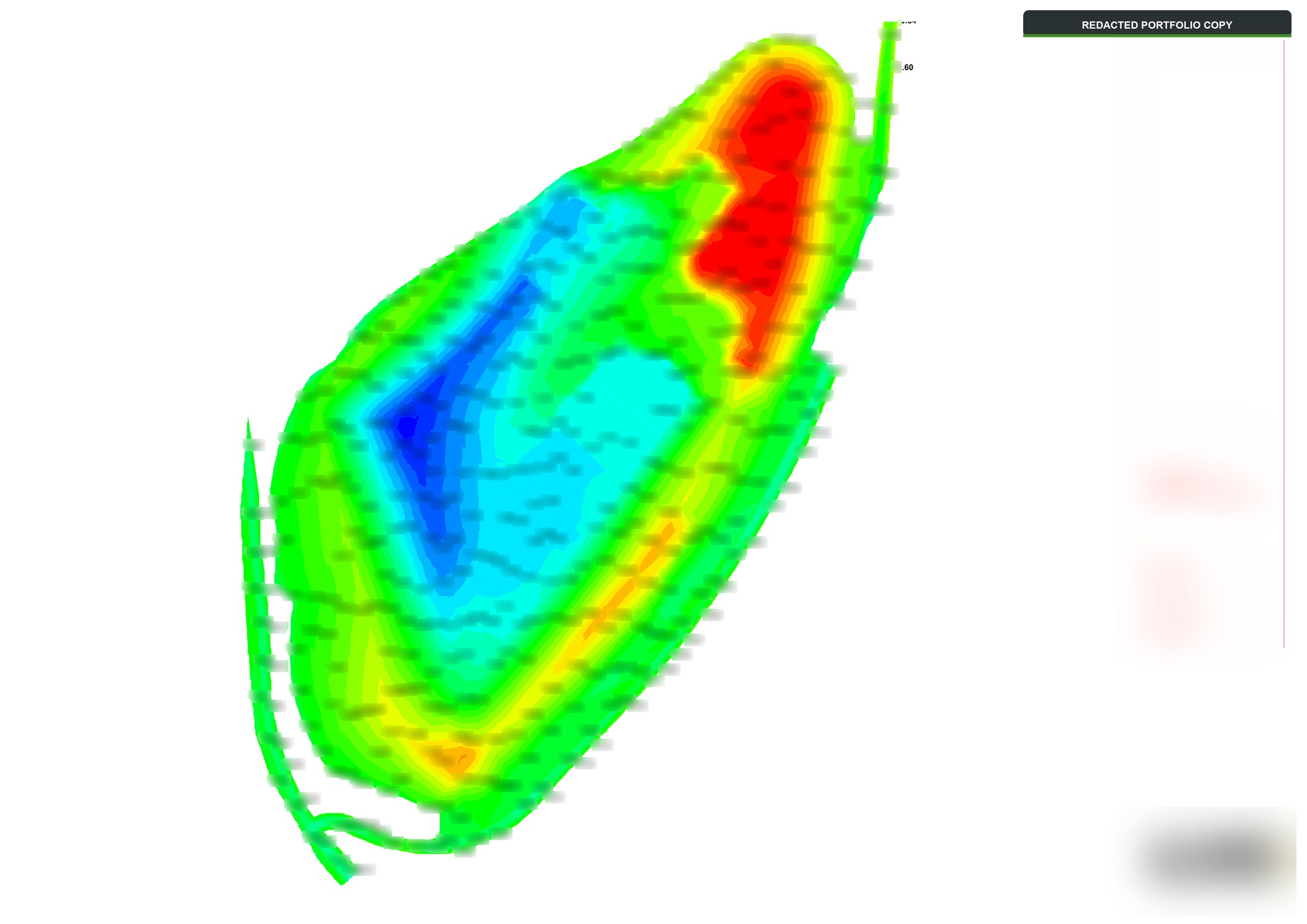
Redacted drawing showing differences between survey and design surfaces
Surface comparison sample

Machine-control models

3D surfaces, strings and alignments prepared from design information for use on site.
  • Formation, subgrade and finished surfaces
  • File preparation for Trimble, Leica and Topcon workflows
  • Revisions and issue records
Explore modelling services
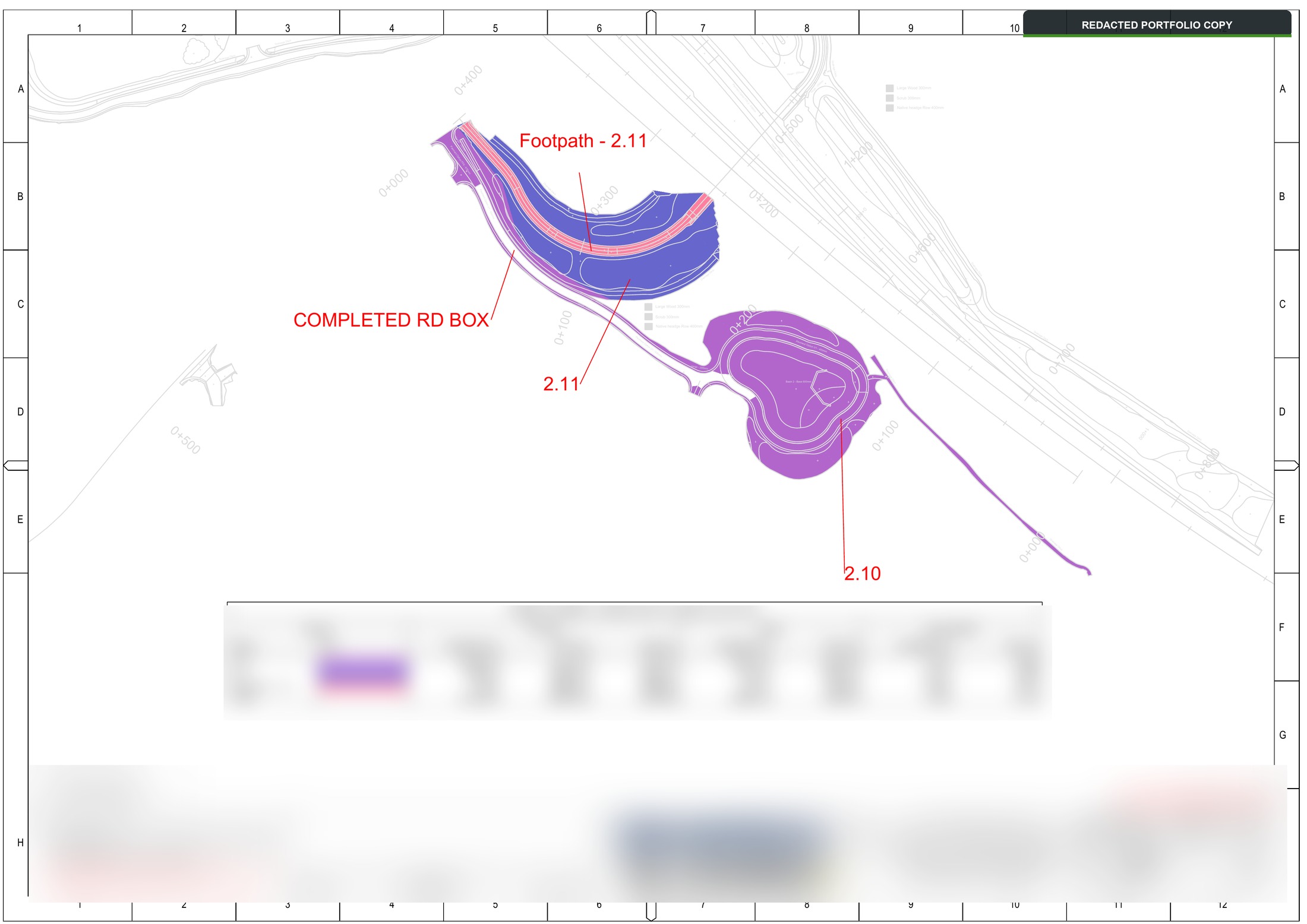
Redacted earthworks drawing with cut, fill and stockpile quantities
Earthworks quantities sample

Estimating and earthworks calculations

Models and quantity calculations to support pre-construction evaluation, estimating and the tracking of live works.
  • Review of supplied borehole logs and ground information for modelling
  • 3D surfaces from proposed material depths and construction layers
  • Cut-and-fill, concrete volumes, stockpiles and material balances
  • Mass-haul planning, material tracking and valuation quantities
View sample drawings and calculations
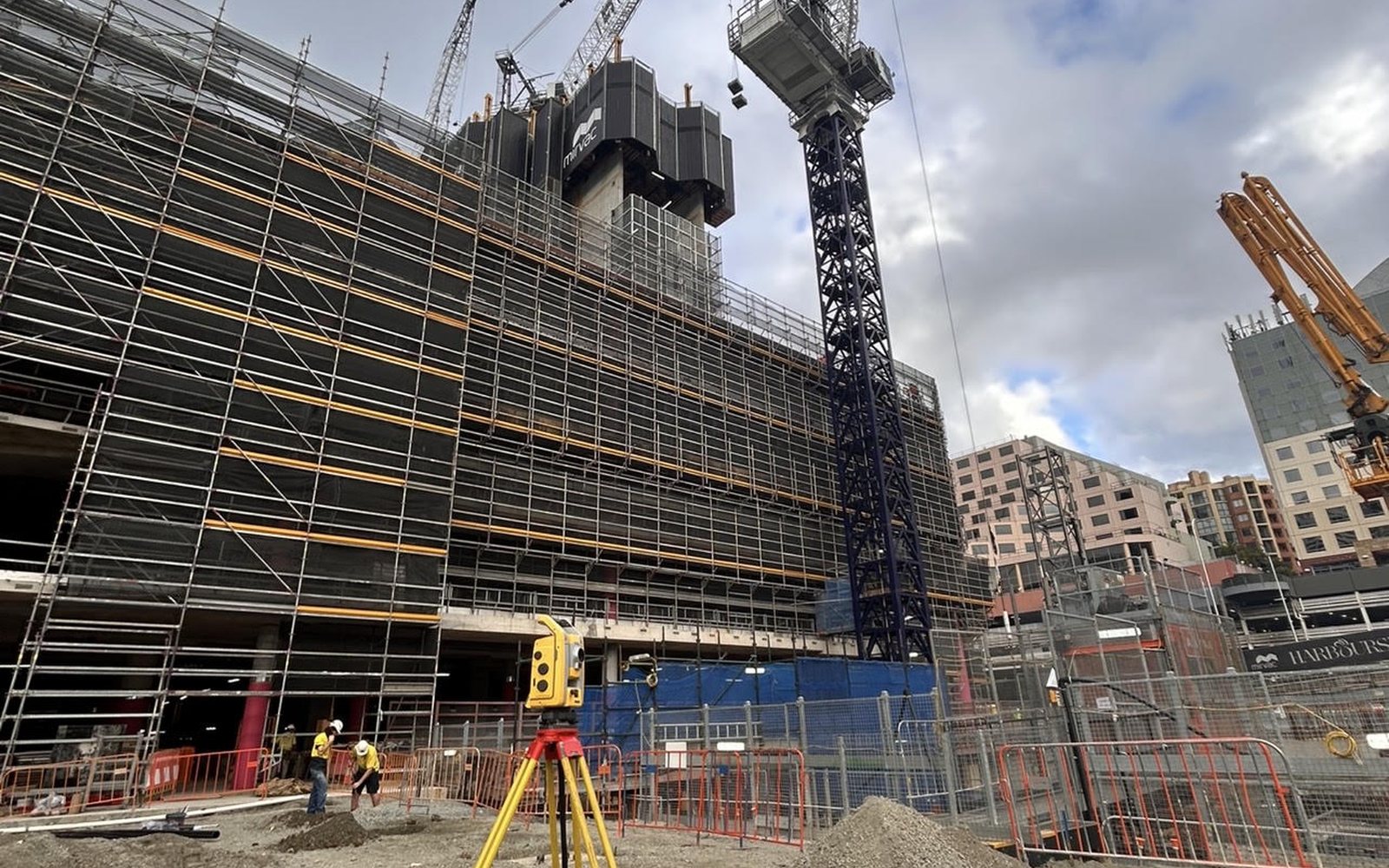
Survey equipment on the Harbourside construction project
Surveying at Harbourside, Sydney

Drawings, setting out and site advice

Practical technical support informed by our director’s experience in earthworks, drainage, reinforced concrete and formwork surveying.

  • CAD drawings, coordinates, levels and setting-out files
  • Survey control, site checks and as-built records
  • Drawing queries, revision coordination and construction sequencing advice
  • Machine-file conversion and site support
Discuss your requirements

Equipment and software

Our director’s experience covers the following survey equipment, machine-control systems and software.

Survey equipment
Trimble, Leica, Topcon and Spectra
3D machine control
Leica, Trimble and Topcon systems
Survey, modelling and CAD
n4ce, Trimble Business Center, AutoCAD, BricsCAD and IntelliCAD
Project data and collaboration
Trimble WorksManager and Trimble Connect
Reporting and documentation
Microsoft Excel, Word and PowerPoint
How we work

From input files to handover.

Preparing data for site use

The starting point is the design information, site requirements and intended use of each file. We agree the outputs and keep revisions clear through to handover.

01

Agree the scope

Confirm the inputs, required outputs and programme before work begins.

02

Confirm file formats

Check the survey or machine-control system and agree suitable export formats.

03

Track revisions

Keep file versions and design changes clear for the team receiving them.

04

Support the handover

Discuss how the files will be used and what support is needed on site.